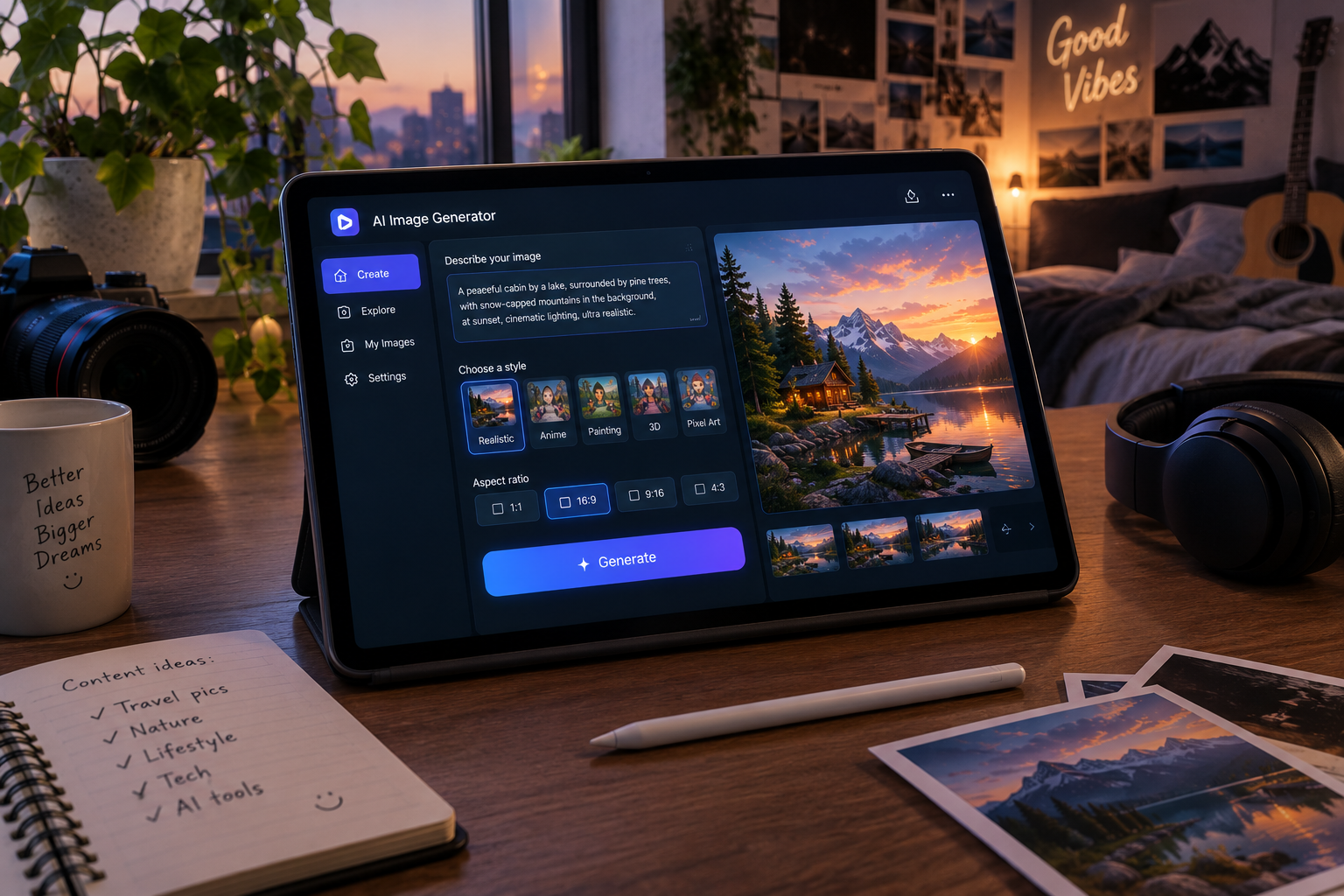
AI image generators have gone from novelty to everyday tool. Marketers use them for social graphics, bloggers for featured images, small businesses for product mockups and designers for fast concepts. The problem is choice: the best tool for a photorealistic product shot is not the best tool for a poster with readable text, and the cheapest option is not always the cheapest once you count the credits you burn.
This guide compares the seven generators most people choose between in 2026. You’ll get quick picks, a comparison table, a «spec sheet» for each tool, a simple prompt formula and a short guide to the legal side. If you also want a general assistant that can create images inside a chat, start with our guide to the best AI chatbots in 2026.
Freshness note: Plans and models change monthly. Prices below were checked on September 30, 2026. Confirm them on each tool’s official page before paying.
Quick picks
| If you want… | Pick | Why |
|---|---|---|
| The easiest start, no new account | ChatGPT Images | Built into a chat you may already use |
| The most artistic, polished look | Midjourney | Reviewers keep naming it the best aesthetic |
| Readable text inside images | Ideogram | Known for reliable in-image lettering |
| Consistent characters across a series | Leonardo AI | Strong character-reference tools |
| The safest option for commercial work | Adobe Firefly | Positioned around commercial safety |
| Photorealism and open models | FLUX | Frontier quality with open-weight releases |
| Images inside your design workflow | Canva | Generate, edit and publish in one place |
Comparison table
| Tool | Free plan | Starting paid price | Best for | Watch out for |
|---|---|---|---|---|
| ChatGPT Images | Yes (limited) | Included in ChatGPT plans from $20 | Everyday images, edits by chat | Limits on the free plan |
| Midjourney | No | $10/month (Basic) | Art, branding, mood | No free trial; learning curve |
| Ideogram | Yes (limited) | About $7/month | Posters, logos, social graphics | Fewer artistic styles |
| Leonardo AI | Yes | About $10/month | Characters, game assets | Credit system |
| Adobe Firefly | Limited | $9.99/month | Brand-safe commercial use | Pure quality trails the leaders |
| FLUX (Black Forest Labs) | Via hosts | Pay per image or via apps | Photorealism, developers | Needs a host or technical setup |
| Canva AI | Yes | About $15/month (Pro) | Social posts, presentations | Less control than dedicated tools |
Prices come from the providers’ published plans and third-party trackers and can differ by region and billing period.
The spec sheet: 7 AI image generators
1. ChatGPT Images: best for beginners
OpenAI’s image model runs directly inside ChatGPT, so you describe what you want in plain language and refine it by chatting («make the background warmer»). Reviewers in 2026 describe the latest version as the best all-around pick for non-designers.
| Strengths | Weaknesses | Price |
|---|---|---|
| Natural-language editing, follows long prompts well | Free plan has tight limits | Free (limited) or from $20/month with ChatGPT Plus |
Open ChatGPT · See also ChatGPT vs Claude vs Gemini
2. Midjourney: best artistic quality
Midjourney has long been the benchmark for striking, stylized images, and its web app and community gallery make it easy to learn by example. There is no free plan.
| Strengths | Weaknesses | Price |
|---|---|---|
| Best out-of-the-box aesthetic, huge style range | No free tier, public by default on lower plans | $10 Basic, $30 Standard, $60 Pro, $120 Mega |
Visit Midjourney · Head-to-head: Midjourney vs ChatGPT image generation
3. Ideogram: best for text in images
Most generators still garble lettering. Ideogram is the one reviewers trust for posters, social graphics, logos and merchandise where words must be readable.
| Strengths | Weaknesses | Price |
|---|---|---|
| Reliable text rendering, generous free plan | Fewer artistic styles than Midjourney | Free; paid from about $7/month |
4. Leonardo AI: best for characters and game assets
Leonardo offers character-reference tools for keeping the same face or outfit across images, plus a canvas for editing parts of an image without regenerating everything.
| Strengths | Weaknesses | Price |
|---|---|---|
| Character consistency, inpainting canvas, good value | Less recognized by clients; credits can run out | Free; paid from about $10/month |
5. Adobe Firefly: best for commercial safety
Firefly is built around commercial use and integrates with Adobe’s creative apps. If a client or employer worries about rights, it is the conservative choice.
| Strengths | Weaknesses | Price |
|---|---|---|
| Commercial-use positioning, Adobe integration | Image quality trails the leaders; confusing credits | Standard $9.99, Pro $29.99, Premium $199.99 per month |
6. FLUX: best for photorealism and builders
FLUX, from Germany’s Black Forest Labs, is praised for photorealism and for releasing open-weight models. It reaches most people through apps and hosts, or through developers building their own tools.
| Strengths | Weaknesses | Price |
|---|---|---|
| Photorealistic output, open-weight options | Not a one-click consumer app on its own | Pay per image via hosts, or free to self-host with the right license |
7. Canva AI: best inside a design workflow
If your end goal is a social post, flyer or slide, generating the image inside Canva saves several steps.
| Strengths | Weaknesses | Price |
|---|---|---|
| Generate, edit and publish in one tool | Less control than dedicated generators | Free; Pro about $15/month |
The prompt formula that works everywhere
Most weak images come from vague prompts. Use this five-part formula:
Subject + Setting + Style + Lighting/Camera + Constraints
| Part | Example |
|---|---|
| Subject | A ceramic coffee mug with a small plant growing out of it |
| Setting | On a sunlit wooden desk beside a notebook |
| Style | Clean product photography, minimal |
| Lighting/Camera | Soft morning window light, 50mm lens, shallow depth of field |
| Constraints | No text, no people, 4:5 vertical |
Then iterate: change one variable at a time (lighting, angle, style) so you learn what each change does.
Legal and licensing: what you should check
AI images raise real questions about copyright and commercial use. This is not legal advice, but a few practical points:
- Read the plan’s terms. Commercial rights can depend on your subscription tier. Midjourney, for example, ties some rights and privacy features to paid plans.
- Understand ownership limits. In the United States, the Copyright Office has published guidance on works that include AI-generated material; purely AI-generated images may not qualify for copyright protection. Read the US Copyright Office’s AI page.
- Avoid real people and protected brands. Don’t generate images that imitate a living artist’s style for commercial sale, use real people’s likeness without permission, or reproduce logos and characters.
- Disclose when it matters. Many platforms and clients expect disclosure of AI-made imagery, especially if it could be mistaken for real photos.
- For publishers: Google says it rewards helpful content however it is produced, so focus on originality and usefulness. See Google’s guidance on AI-generated content.
Which one should you choose? A quick decision guide
- Do you just want to try it, free? Start with ChatGPT’s free image generation or Ideogram’s free plan.
- Do you need text in the image? Ideogram first.
- Do you need a series with the same character? Leonardo AI.
- Is the image for a client where rights matter? Adobe Firefly.
- Do you want the most beautiful, stylized result? Midjourney.
- Is the image going straight into a social post or slide? Canva.
- Are you a developer or want photorealism? FLUX.
If you also make video, read our guide to the best AI video generators, and for a budget-friendly start see the best free AI tools.
Frequently asked questions
What is the best AI image generator in 2026?
It depends on the task: ChatGPT Images for ease, Midjourney for artistic quality, Ideogram for text, Leonardo for consistent characters and Firefly for commercial safety.
Is there a free AI image generator?
Yes. ChatGPT, Ideogram, Leonardo and Canva all have free plans with limits. Midjourney has no free plan.
Can I use AI-generated images commercially?
Often yes, but it depends on the tool’s terms and your plan. Check the license on the provider’s site, and avoid real people, logos and protected characters.
Which AI is best for logos?
Ideogram is popular for logo-style graphics because of its text rendering, but treat results as concepts and have a designer finalize anything important.
Which AI makes the most realistic photos?
Reviewers often point to FLUX and the latest ChatGPT image model for realism, and Midjourney for polished photographic looks. Test with your own prompts.
Do I need to disclose AI images?
Not always, but it is good practice, and some platforms, clients and publications require it. Check their rules.
Deja una respuesta